 Whatsable





Managing WhatsApp messaging, campaigns, and automation across multiple teams is costly and complex without the right tool. Many platforms add extra markup fees, restrict bulk messaging volumes, or require complicated technical setup for integrations and onboarding. This comparison covers pricing, messaging automation, team management, and integration support so business teams can pick a WhatsApp automation tool that fits their process and budget.
Table of Contents
WhatsAble
At a Glance
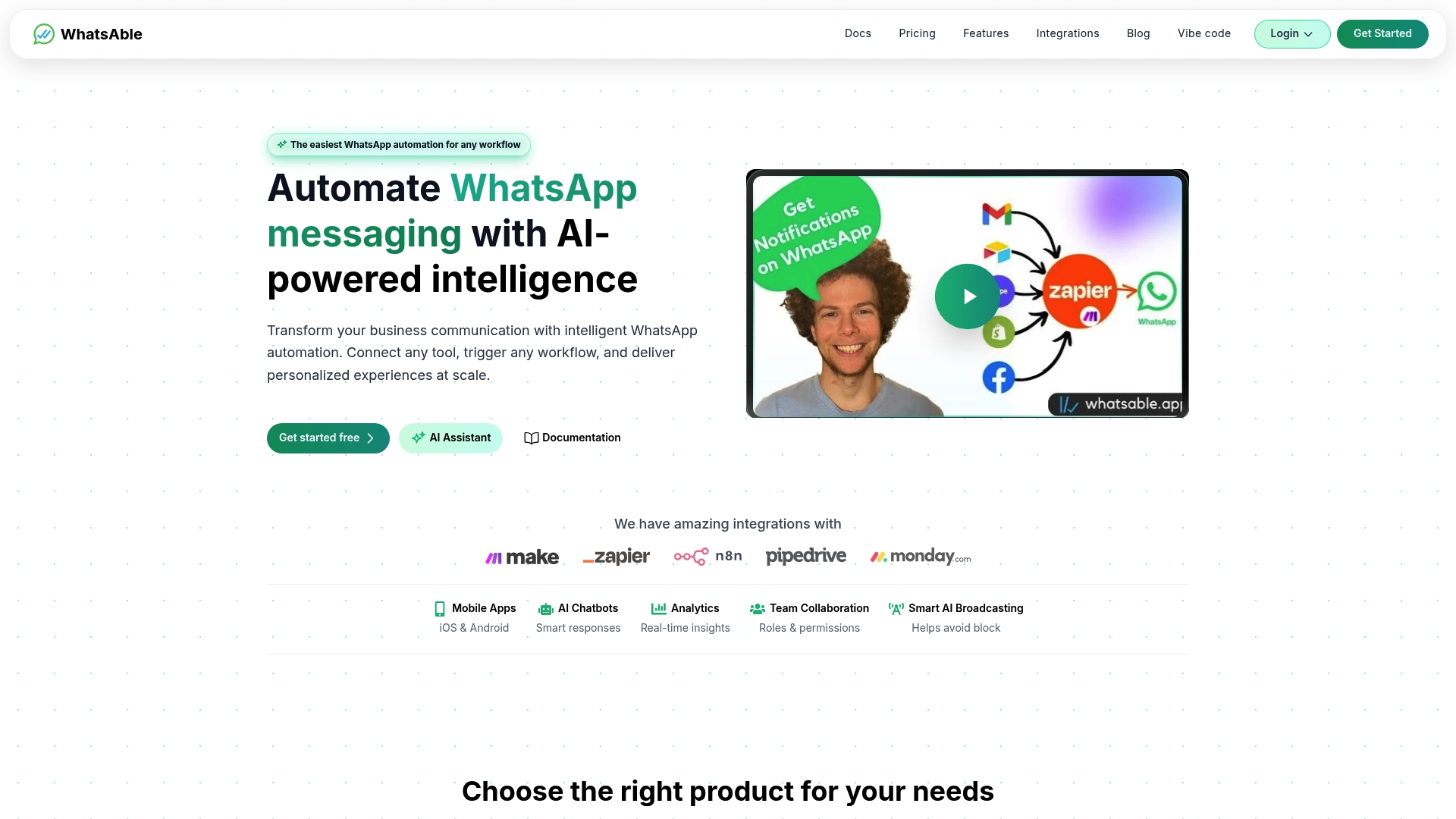
WhatsAble lists a $49/month tier for Notifyer System that covers 500 numbers. The platform combines AI chatbots, bulk messaging with low block risk, and team management into a single messaging stack. Onboarding support and human customer service are part of the offering.
Core Features
WhatsAble includes the Notifyer System for customer messaging and a Personal Bot for internal alerts. The platform supports AI powered automation, scheduled follow ups, bulk messaging with anti block measures, and mobile app integrations. Detailed analytics and role based team access help you monitor campaigns and assign responsibilities.
Key Differentiator
WhatsAble stands out for its deep integration options paired with AI capabilities that support personalized messages at scale. The platform connects to common automation tools and CRM workflows so you can trigger WhatsApp messages from existing systems. That combination reduces custom engineering when you need personalized, high volume messaging.
Pros
Setup is straightforward and the interface gets a team running in minutes. Integration links to Make.com, Zapier, n8n, and Pipedrive let you reuse existing automations rather than rebuilding flows. The product covers both customer facing notifications and internal alerts, so marketing, support, and operations can use one account and share analytics.
Cons
- Costs can climb significantly as you add numbers or scale users, especially if you need premium messaging and advanced automation features.
Notable Integrations
- Make.com
- Zapier
- n8n
- Pipedrive
Who It’s For
WhatsAble fits business teams that need automated WhatsApp messaging across customer and internal channels. Marketing agencies running bulk campaigns will find the bulk messaging and personalization useful. Sales teams that rely on Pipedrive workflows can trigger follow ups without custom code. Internal ops teams can use the Personal Bot for alerts and quick staff notifications.
Unique Value Proposition
The Notifyer System pricing model of $49/month per 500 numbers gives you a predictable cost baseline as you scale contact volumes. That per cohort pricing makes budgeting easier than per message billing when your lists grow. Combined with the platform integrations, you can move campaign logic out of spreadsheets and into automated flows while keeping monthly costs visible.
Real World Use Case
A retail chain runs transactional and promotional campaigns from Notifyer System. Order updates and delivery notices go through WhatsApp while promotional drips use automated follow ups. Internal staff receive shift alerts and inventory warnings from Personal Bot, reducing email noise and speeding response times.
Pricing
Most entry options start at $7.99/month for the Personal Bot. Notifyer System starts at $49/month for each block of 500 numbers, with higher plans available for larger volumes or advanced features. Premium capabilities for unlimited messaging or advanced automation may add to the monthly bill.
Website: https://whatsable.app
WhatChimp
At a Glance
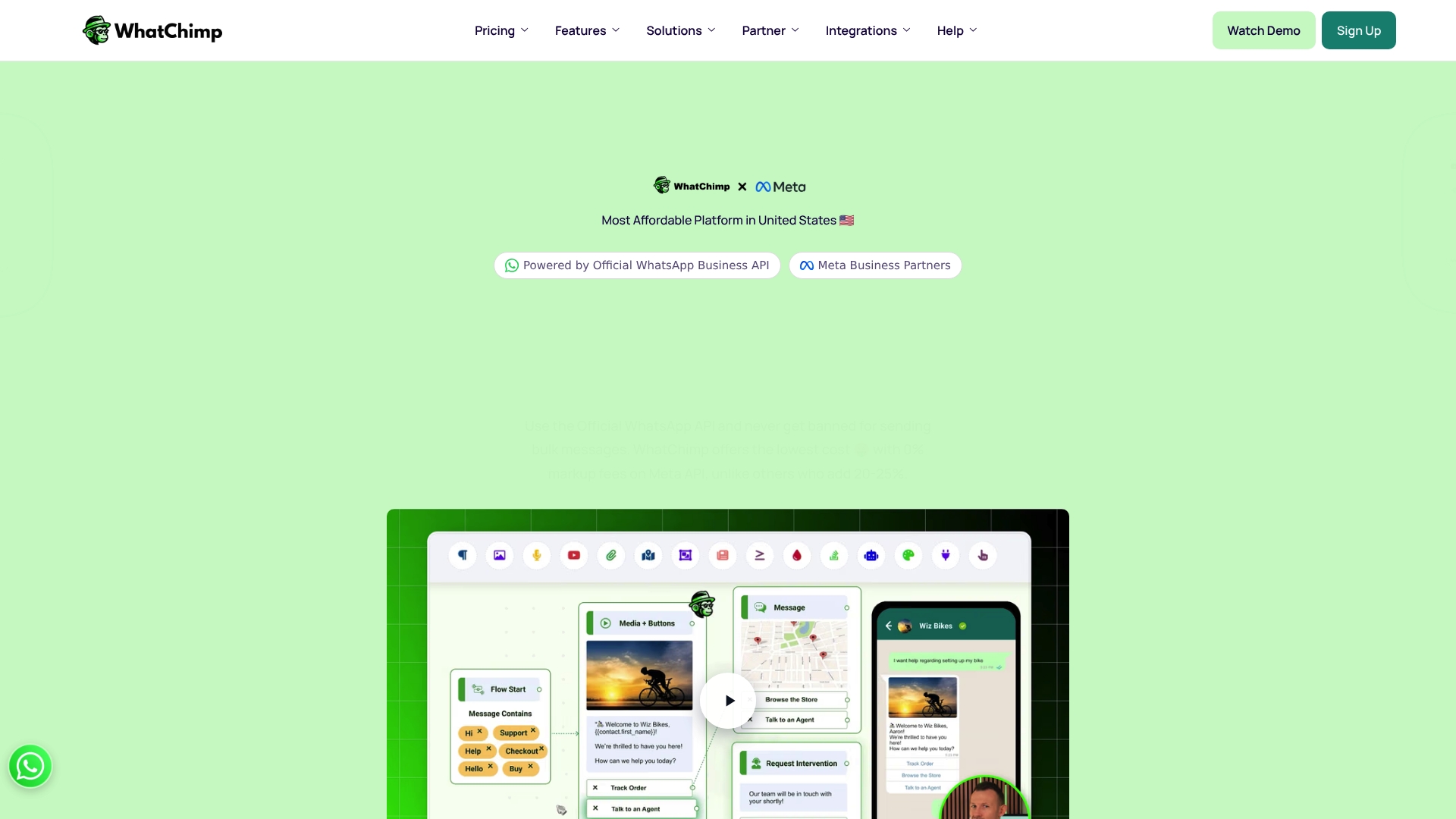
WhatChimp charges 0% markup fees on Meta API usage. That pricing claim pairs with AI chatbots, bulk messaging, and a multi agent shared inbox. The platform targets businesses that need low per message costs while keeping official WhatsApp Business API compliance.
Core Features
WhatChimp connects to the official WhatsApp Business API and supports bulk messaging, automated follow ups, and AI powered chatbots for customer conversations. It includes a multi agent shared inbox, interactive chat flows and lead collection forms, plus webhook and API access for custom workflows. The product also offers CRM and ecommerce links, multi channel inboxing, rich media and a WhatsApp catalog, analytics, and role based permissions.
Key Differentiator
The standout detail is the 0% markup on Meta API calls combined with broad automation features and team tools. That mix aims to lower per conversation cost while retaining official API protections. For businesses focused on cost control and compliance, this is the defining angle.
Pros
According to the company, most businesses are operational within 15 minutes, which speeds time to value for small teams. The vendor advertises integrations with more than 3,000 apps, giving many options for CRM and ecommerce connections. WhatChimp also highlights transparent zero markup pricing that reduces per conversation fees, AI driven automation that cuts manual responses, and multi agent collaboration that helps teams share workload.
Cons
- Dependent on WhatsApp API policies which limit certain message types and volumes.
- Some advanced features require technical knowledge or developer support.
- Limited details on support response times for complex technical issues.
- Onboarding may still challenge non technical staff despite fast setup claims.
When It May Not Fit
If your operation needs unrestricted broadcast volume, WhatsApp API limits could block your plans. Teams without any developer support will struggle with advanced webhook or custom API work. Organizations needing guaranteed rapid enterprise support should confirm service level details before committing.
Notable Integrations
- Zapier for workflow automation
- Pabbly, Make, and N8N for orchestration and connectors
- WooCommerce and Shopify for ecommerce sync
- Google Sheets for lightweight CRM and exports
Who It’s For
Small and medium sized businesses that need affordable WhatsApp marketing and support will find this appealing. Ecommerce stores and regional sellers that want catalog messaging and order updates match the feature set. Larger enterprises can consider the enterprise plan for scale and custom billing.
Real World Use Case
A regional e commerce store uses WhatChimp to broadcast promotions and automate FAQ answers with AI bots. Multiple agents pick up conversations in the shared inbox, reducing response time across regions. The store links Shopify product data to the WhatsApp catalog to send product cards inside chats.
Pricing
Pricing starts at $12 per month for Basic and $30 per month for Pro, with a lifetime 50% discount offered. Enterprise plans are available for larger scale needs and custom billing. All published plans state no mark up fees on Meta API usage.
Website: https://whatchimp.com
Sendwo
At a Glance
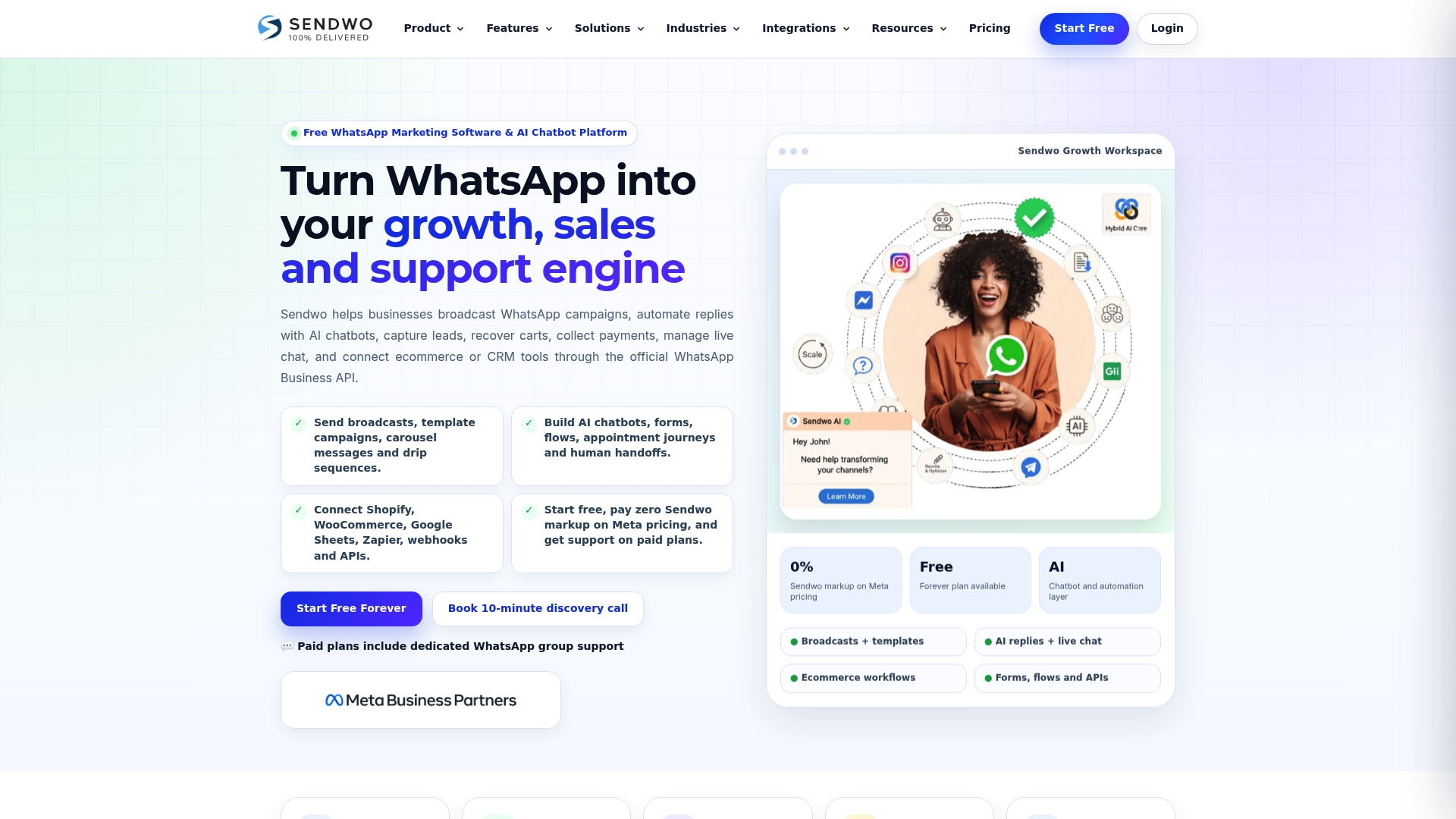
Zero markup on official Meta WhatsApp API pricing is Sendwo’s headline advantage. The vendor also offers a free forever plan that lets teams test broadcasts and basic automations at no cost. The platform focuses on WhatsApp marketing, AI chatbots, live inbox management, and ecommerce workflows for teams that want a WhatsApp first approach.
Core Features
Sendwo supports broadcast campaigns, reusable message templates, and drip sequences alongside AI chatbots for replies, forms, and appointment journeys. The platform combines a shared live chat inbox and labeling with customer journeys that cover acquisition, nurturing, conversion, support, and retention. Teams can connect ecommerce and CRM systems and push events through webhooks and APIs.
Key Differentiator
The single most decisive claim is zero markup on Meta WhatsApp API pricing paired with broad feature coverage. That pricing stance can lower ongoing messaging costs for high volume accounts. The integrated mix of broadcasts, AI chat flows, and ecommerce connectors narrows the gap between marketing, sales, and support workflows.
Pros
Sendwo keeps messaging costs predictable by removing markup on official WhatsApp API invoices. The platform includes both broadcast campaign tools and AI chat flows so marketing and support teams can reuse the same automation assets. Cross channel support for Facebook, Instagram, Telegram, and WebChat plus connectors to Shopify, WooCommerce, and Zapier help teams consolidate conversation and commerce workflows.
Cons
-
Support is only included on paid plans. Free plan users receive limited or no vendor support.
-
Public documentation and scraped content provide limited detail on onboarding or the learning curve. That gap makes planning internal rollout harder.
-
Advanced enterprise-level SLAs or managed onboarding services are not clearly listed in the available material.
When It May Not Fit
Teams that require included, hands on support during setup will find Sendwo restrictive without a paid plan. Organizations that need detailed, vendor supplied onboarding guides or guaranteed response SLAs should plan for extra implementation effort. Very small startups that rely exclusively on free plans may face delays when they need live vendor help.
Notable Integrations
Sendwo lists direct connectors to Shopify, WooCommerce, Google Sheets, and Zapier. It also supports Webhooks and public APIs for custom integrations.
Who It’s For
Mid sized ecommerce brands, marketing teams, and agencies that send frequent WhatsApp campaigns will get the most from Sendwo. Companies that move transactional and marketing messages through WhatsApp and want lower per message costs benefit most. Teams that already use Shopify or WooCommerce will find connector workflows useful.
Real World Use Case
A retail brand runs targeted WhatsApp campaigns for a product launch while AI chatbots handle inbound questions and lead capture. The same setup sends automated cart recovery messages and order updates via the WhatsApp Business API. That single workflow keeps marketing, support, and commerce events in one platform.
Website: https://sendwo.com
Chati
At a Glance
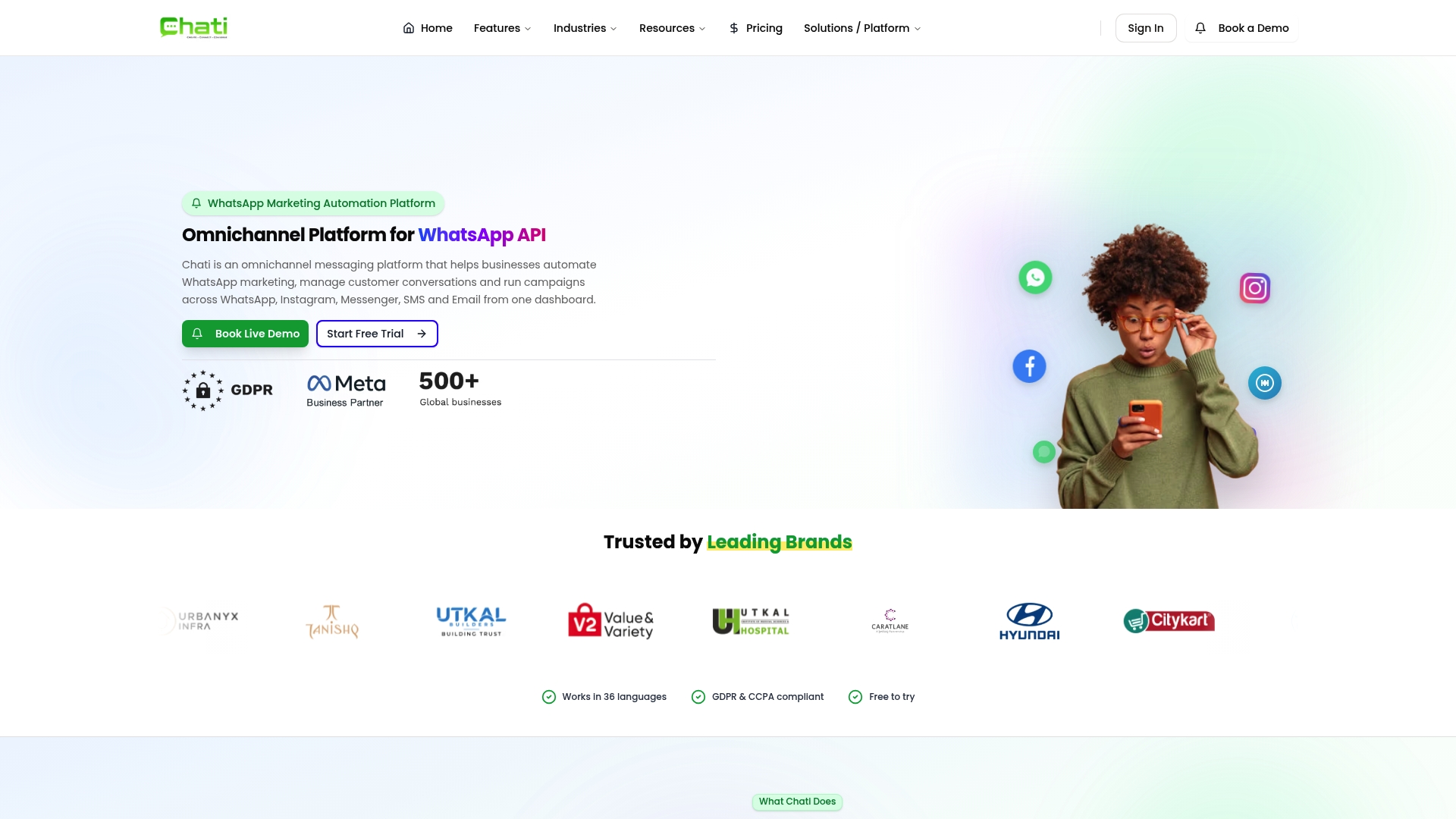
Chati’s marketing materials state it supports 36 languages. The vendor advertises Meta Business Partner status and GDPR and CCPA compliance. That combination targets global teams that need regulated messaging across WhatsApp, Instagram, Messenger, SMS, and email.
Core Features
Chati unifies omnichannel messaging with AI chatbots, automated workflows, and analytics in a single dashboard. The platform includes a visual drag-and-drop builder for workflows, real-time dashboards for campaign performance, and official WhatsApp Business API access. CRM connectors and webhook support let you tie conversations into existing sales and support systems.
Key Differentiator
Chati’s standout claim is its official WhatsApp Business API integration combined with AI-powered automation and true omnichannel management. That pairing aims to keep deliverability high while letting teams move a conversation between channels without losing context.
Pros
Deep WhatsApp API integration improves message delivery and trust with carriers and platforms. Multichannel support and the visual workflow builder reduce the need for engineering resources on routine automations. The AI chatbots handle lead qualification and basic support while the analytics show which channels drive clicks and conversions.
Cons
- Tailored to medium and large messaging volumes, so onboarding may feel heavy for very small operations.
- Pricing details are not published, so budget impacts for high-volume campaigns are unclear.
- Some chatbot customization limits and integration edge cases are not described in public materials.
When It May Not Fit
If you operate a very small storefront with minimal message volume, Chati may overdeliver for your needs. Teams that require fully transparent, usage-based pricing may find the lack of public rates a blocker. Organizations with only simple single-channel workflows will pay for features they do not use.
Notable Integrations
- HubSpot
- Salesforce
- Shopify
- Facebook Leads
- Razorpay
- Webhooks
Who It’s For
Medium to large businesses that depend on WhatsApp for marketing and customer support will get the most value. Companies that must meet GDPR or CCPA rules and need multilingual support will benefit from the platform. Agencies running cross channel campaigns for multiple clients can reuse workflows and analytics across accounts.
Real World Use Case
A retail company uses Chati to automate WhatsApp order updates, run promotional drip campaigns, and retarget users who clicked links. The team routes support tickets from WhatsApp to their CRM and uses the chatbot to qualify returns before a human agent handles complex cases.
Pricing
Pricing is not specified publicly. The vendor indicates plans likely vary by feature set and messaging volume, so expect to request a custom quote for enterprise deployments.
Website: https://chati.ai
WhatZCRM
At a Glance
Connects multiple WhatsApp numbers and funnels conversations into a single CRM inbox. WhatZCRM pairs automated lead capture with campaign broadcasting and chat based sales pipelines. AI chatbots handle common customer questions and keep response flows active 24 hours a day.
Core Features
Conversation management organizes incoming messages, assigns tasks, and tracks deal progress in the same interface. The platform includes lead capture automation, campaign automation with scheduled messaging, drip sequences, and a CRM for contacts, deals, tasks, and segmentation. Team collaboration inboxes, email marketing on higher plans, and analytics dashboards round out the core feature set.
Key Differentiator
WhatZCRM focuses on WhatsApp first, combining campaign broadcasting, lead qualification, and chat based pipelines in one product. Its visual flow builder lets nontechnical teams build chatbots and qualification logic without code. This focus turns WhatsApp conversations into measurable sales and marketing workflows.
Pros
Automation and AI reduce repetitive messaging and follow up work for sales and support staff. Integrations with Shopify, WooCommerce, Facebook Ads, Google Ads, and Zapier connect chat activity to purchases and ad leads. The visual flow builder enables no code setup for bots, drip sequences, and lead scoring workflows. Multi user management provides shared inboxes, task assignment, routing rules, and role based access for teams.
Cons
-
Buyer reviews report occasional API setup and connectivity problems, which can delay large rollouts.
-
Lower tier plans limit advanced reporting, leaving power users to upgrade for deeper analytics.
-
Pricing can grow costly for very large contact databases or complex enterprise needs.
-
The system depends on the WhatsApp Business API, which adds separate Meta charges for messaging.
When It May Not Fit
If your operation needs detailed custom reporting without upgrading, this product may not fit. Organizations that lack internal API support could face extra setup time and third party costs. Teams that want a fully managed messaging service without Meta fees should look elsewhere.
Notable Integrations
-
Facebook Ads
-
Google Ads
-
Shopify
-
WooCommerce
-
Zapier
-
Google Sheets
-
Stripe
-
Razorpay
Who It’s For
Medium to large businesses and marketing teams that use WhatsApp as a primary channel will get the most value. E commerce merchants who need abandoned cart recovery and order notifications will benefit. Teams with at least some technical capacity will deploy the API integrations faster.
Real World Use Case
A retail brand connects its store and ad platforms, then runs automated campaigns that send abandoned cart reminders over WhatsApp. The bot captures leads, qualifies prospects, and routes hot leads to sales reps. That setup shortens response times and keeps marketing and commerce data in one place.
Pricing
Pricing is tiered and depends on plan features and message volume. See the vendor pricing page for specific tiers, Enterprise options, and any Meta related fees. Plans and enterprise quotes are listed on the product pricing page.
Website: https://whatzcrm.com
Comparison of alternatives
These platforms in WhatsApp messaging automation provide tailored features addressing diverse goals for businesses.
Integration and Versatility
WhatsAble delivers streamlined integration with platforms like Zapier and Pipedrive, supporting AI automation while simplifying workflow setup for moderate-scale conditions. Its cohort-based pricing ensures budgetary predictability for organizations scaling up customer notifications responsibly. In contrast, WhatChimp emphasizes cost efficiency with 0% markup on messaging API usage, benefiting operations where message cost control remains critical.
Feature Breadth and Customization
When focusing on advanced use cases, Chati excels with multilingual support across extensive channels, including SMS, email, and Instagram, enabling global teams to maintain regulatory compliance. On the other hand, WhatZCRM targets CRM integrations and lead management solutions centralized in its visual automation interface. For businesses prioritizing entry-level channels, Sendwo offers a no-cost starter plan with fundamental broadcasting tools to lower barriers for initial deployment.
Best fit
- Businesses needing scalable, predictable pricing for WhatsApp bulk messaging may select WhatsAble.
- Organizations requiring omnichannel support for multilingual campaigns could benefit from Chati.
- Teams with a strict focus on minimizing API overhead costs should evaluate WhatChimp.
- Enterprises prioritizing integrated CRM workflows in direct messaging workflows might turn to WhatZCRM.
- Entities starting with limited budgets or test phase broadcasting will find a suitable choice in Sendwo.
Our pick
WhatsAble emerges as a balanced solution combining modest pricing scalability with flexible integration options, ideal for teams managing ascending customer message volumes efficiently. However, for operations requiring expansive multilingual omnichannel campaigns, Chati offers specialized solutions by competitors. Choosing WhatsAble aligns practical feature sets with thoughtful cost management for mid-size utilizations.
For teams comparing WhatsApp messaging platforms, evaluating feature integration and workflow automation can identify the most suitable solution.
| Platform | Core Feature | Key Differentiator | Pricing | Limitation |
|---|---|---|---|---|
| Whatsable | AI chatbots and bulk messaging | Deep CRM workflow integrations | $49/month for 500 numbers | Costs increase with scaling user numbers |
| WhatChimp | Shared inbox and lead forms | 0% markup on Meta API calls | $12/month basic | PAAPI limits advanced access options |
| Sendwo | Broadcast campaigns and chatbots | Free plan and 0% WhatsApp markup | Free plan available | Limited growth support without upgrades |
| Chati | Multichannel messaging | GDPR/CCPA compliance and AI chatbots | Price not published | Not ideal for small, basic operations |
| WhatZCRM | CRM-integrated lead automation | Visual no-code chatbot builder | Tiered pricing | API setup problems noted by reviewers |
Choosing the Right Wanotifier.com Alternative for WhatsApp Messaging Needs
Finding a WhatsApp automation platform that balances cost, integration, and ease of use can be challenging. Businesses and marketing teams often face high messaging fees, complex setups, or limited automation capabilities. Whatsable answers these challenges by offering AI-powered chatbots, bulk messaging with anti-block measures, and strong integrations with tools like Zapier, Make, n8n, and Pipedrive.
Whatsable provides transparent pricing at $49 per 500 contacts, which helps teams plan budgets as they scale campaigns. The platform supports customer-facing notifications and internal alerts through Notifyer System and WhatsAble Bot, uniting marketing, sales, and operations in one tool.
Explore Whatsable.app to simplify your WhatsApp workflows and manage high-volume messaging with reliable automation and human support. Visit the site to learn how to onboard your team and automate follow-up sequences with ease.
FAQ
How does Whatsable’s Notifyer System improve WhatsApp messaging automation?
Whatsable’s Notifyer System provides automated messaging and supports bulk messaging with low block risk. Its combination of AI chatbots and scheduled follow-ups enables efficient campaign management. Businesses looking to streamline their WhatsApp messaging should consider Whatsable for these features.
What is the difference between WhatChimp and Whatsable?
WhatChimp offers a 0% markup on Meta API usage, which helps maintain low per-message costs for businesses. While WhatChimp is ideal for organizations seeking cost-effective messaging, Whatsable excels with its deep integration options and the ability to trigger WhatsApp messages from existing systems to achieve personalized, high-volume messaging.
Which platform offers better integration with automation tools, Whatsable or Sendwo?
Whatsable integrates well with commonly used automation tools like Make.com, Zapier, and Pipedrive. These integration options allow users to connect existing workflows with WhatsApp messaging effectively. Businesses that rely on automation to enhance productivity will find Whatsable’s integrations beneficial.
Can I automate follow-ups with Whatsable?
Yes, Whatsable supports scheduled follow-ups and bulk messaging as part of its core features. Automation through Whatsable can significantly enhance communication efficiency, making it a great choice for teams focused on maximizing their outreach efforts.
What pricing model is used by Whatsable for its Notifyer System?
Whatsable’s Notifyer System has a pricing model of $49 per month for each block of 500 numbers. This predictable pricing helps businesses budget for their WhatsApp messaging needs as they grow their contact lists.