 Whatsable



TL;DR:
- Zapier messaging Zaps automate app connections for sending and managing business messages through triggers and actions. Choosing between single-step and multi-step Zaps depends on workflow complexity, with multi-step Zaps supporting filters, branching, and chaining actions for scalable communication. Proper data sanitation, clear naming conventions, and understanding platform-specific rules are crucial to building reliable, scalable messaging workflows.
Zapier zap types for messaging are automated workflows that connect apps through triggers and actions to send, route, and manage business messages without manual effort. A Zap is defined as one trigger paired with one or more actions, and multi-step Zaps enable chained messaging sequences using Filters, Paths, and Formatter steps. The distinction between single-step and multi-step Zaps matters enormously for teams handling WhatsApp Business, SMS, or email at scale. Choosing the wrong Zap type means missed messages, broken workflows, and frustrated customers.
1. Core Zapier zap types for messaging workflows
Zapier organizes its automation into several distinct Zap types, each suited to a different level of messaging complexity.
Single-step Zaps handle one trigger and one action. A new form submission sends a confirmation SMS. A CRM deal closes and fires a WhatsApp notification. These are fast to build and easy to debug, making them the right starting point for teams new to messaging automation with Zapier.
Multi-step Zaps chain multiple actions after a single trigger. You can send a WhatsApp message, log the event in a Google Sheet, and create a CRM task, all from one trigger. Multi-step Zaps also support Filters, which stop a Zap from running unless conditions are met, and Paths, which send data down different branches based on logic.

Sub-Zaps function as reusable building blocks. Instead of rebuilding phone number formatting or CRM logging in every Zap, you build it once as a Sub-Zap and call it from other workflows. Sub-Zaps reduce errors by centralizing logic that would otherwise be duplicated across dozens of automations.
Formatter steps are not standalone Zap types but are critical components inside messaging Zaps. They clean and transform data, most importantly converting phone numbers into E.164 international format before sending to WhatsApp Business or Twilio.
Delay steps hold a Zap at a specific point before proceeding. This matters for follow-up sequences where you want to wait 24 hours before sending a second message.
Webhooks by Zapier handle platforms that lack native Zapier integrations. A POST request to a specialized API can trigger a message send, and a reply webhook can update your CRM in real time. Webhooks enable high-response-rate messaging for platforms like advanced WhatsApp configurations and iMessage.
Pro Tip: Build every new messaging Zap as a single-step first. Confirm the trigger fires correctly and the action delivers before adding Formatter steps, Filters, or Paths. This saves hours of debugging.
2. How Zapier handles WhatsApp Business and SMS messaging
WhatsApp messaging through Zapier splits into two fundamentally different tools, and confusing them causes real problems.
WhatsApp Notifications by Zapier sends alerts only to yourself. It uses fixed templates and works for personal reminders, not customer outreach. Teams that try to use it for client communication hit a wall immediately.
WhatsApp Business is the correct tool for outbound customer messaging. It requires Meta-approved templates for messages sent outside the 24-hour window and uses phone numbers formatted in E.164 style (for example, +12025551234). You can schedule messages hourly, daily, or on a custom cadence.
The 24-hour rule is the most misunderstood constraint in WhatsApp automation. WhatsApp’s 24-hour window allows freeform messages only within 24 hours of a customer’s last inbound message. After that, you must use an approved template. Automation that ignores this rule fails silently, and customers never receive the message.
Scheduling bulk WhatsApp messages requires combining three Zapier components:
- A Schedule trigger that fires at your chosen time
- A Looping by Zapier step that iterates through your contact list
- A WhatsApp Business Send Template Message action that fires for each contact
Looping by Zapier sends individualized messages per cycle, which means each recipient gets a personalized send rather than a broadcast blast. This approach respects WhatsApp’s policies while reaching large lists efficiently.
SMS by Zapier uses Twilio under the hood. It fits workflows where WhatsApp is not the right channel, such as transactional alerts, appointment reminders, or markets with lower WhatsApp penetration. SMS Zaps follow the same single-step and multi-step logic as any other Zapier workflow.
| Messaging channel | Requires approved template | 24-hour window rule | Supports looping |
|---|---|---|---|
| WhatsApp Notifications | No (self-only) | No | No |
| WhatsApp Business | Yes (outside window) | Yes | Yes |
| SMS by Zapier (Twilio) | No | No | Yes |
Pro Tip: Always run phone numbers through a Formatter step before any WhatsApp or SMS action. E.164 formatting is the leading cause of failed message sends, and fixing it takes under two minutes.
3. Building complex messaging workflows with multi-step Zaps
The most powerful messaging automations combine AI drafting, human review, and conditional routing inside a single multi-step Zap. This is where Zapier moves from a simple notification tool to a full communication system.
A practical example: a customer sends a WhatsApp message. The Zap triggers, creates a ticket in Zendesk or Help Scout, routes the message to an AI agent step that drafts a reply, then pauses for a human approval step before sending the response back. This workflow keeps response quality high while removing the manual work of drafting from scratch.
Paths add conditional logic to these chains. You can route VIP customers to a human agent immediately, send standard inquiries through AI drafting, and flag complaints to a supervisor, all from the same inbound trigger. Each Path branch runs its own sequence of actions independently.
Automation that includes a human approval step before sending a reply is not slower than fully automated responses. It is faster than manual workflows and more accurate than AI-only replies. The human step takes seconds when the AI has already drafted the message. The result is personalized communication at the speed of automation.
For teams managing WhatsApp Business API integration, this multi-step structure also handles the 24-hour compliance window automatically. The Zap checks the timestamp of the last inbound message and routes to a template action or a freeform action based on the result.
Connecting these workflows to a CRM, such as Pipedrive, means every message sent and received logs automatically. The Pipedrive and WhatsApp connection via Zapier gives sales teams a full conversation history without manual data entry.
4. Best practices and common pitfalls in messaging Zaps
The most common reason messaging Zaps fail is skipping data sanitation. Phone numbers entered by users rarely arrive in E.164 format. A Formatter step that strips spaces, adds country codes, and removes special characters prevents the majority of delivery failures before they happen.
Naming conventions matter more than most teams realize. Consistent naming using a pattern like “[Function] – [Trigger]” and grouping Zaps into department folders (Sales, Support, HR) makes it possible for a new team member to understand your entire automation stack in an hour. Without this structure, Zaps become impossible to audit or update safely.
- Test every step individually before activating a Zap. Zapier’s step-testing feature lets you run each action with real data before the full workflow goes live.
- Set up error notifications so you know immediately when a Zap fails, rather than discovering it days later through a customer complaint.
- Respect platform rate limits. Sending hundreds of WhatsApp messages in seconds triggers spam detection. Use Delay steps or Looping with built-in pauses to spread sends over time.
- Review task consumption on your Zapier plan. Multi-step Zaps consume more tasks per run than single-step Zaps, and high-volume messaging workflows can exhaust a plan’s monthly task limit faster than expected.
Pro Tip: Follow a marketing automation checklist before launching any new messaging Zap. Checking triggers, data formats, and error handling in sequence prevents the silent failures that only surface after a campaign has already gone out.
5. How to choose the right Zap type for your messaging needs
Selecting the right Zap type comes down to three factors: the complexity of your message logic, the volume of messages you send, and the channel you use.
Single-step Zaps work for straightforward notifications. A new lead fills out a form and receives a WhatsApp confirmation. A payment clears and triggers an SMS receipt. These workflows need no conditional logic and run reliably on Zapier’s free or entry-level paid plans.
Multi-step Zaps become necessary when you need to filter, branch, or chain actions. If you want to send different messages to leads from different regions, or notify a sales rep and log a CRM entry and send a WhatsApp in one trigger, multi-step is the correct choice.
Sub-Zaps fit teams that run many messaging workflows sharing common logic. Phone number formatting, opt-out checking, and CRM logging are all candidates for Sub-Zap modularization. Sub-Zaps allow centralized updates, meaning you fix a formatting rule once and every Zap that calls it updates automatically.
Webhooks belong in workflows where the messaging platform has no native Zapier integration or where you need real-time two-way data flow. Advanced WhatsApp configurations and iMessage automation both fall into this category.
| Scenario | Recommended Zap type |
|---|---|
| Simple one-off notification | Single-step Zap |
| Conditional or multi-channel messaging | Multi-step Zap with Paths |
| Shared logic across many workflows | Sub-Zap |
| Platform without native integration | Webhooks by Zapier |
| Bulk scheduled outreach | Schedule trigger plus Looping |
Teams scaling beyond a few dozen Zaps should also consider WhatsApp messages worth automating as a framework for prioritizing which workflows to build first and which to leave manual.
Key takeaways
The most effective Zapier messaging workflows combine the right Zap type, clean data, and a clear naming structure to avoid failures and scale without technical debt.
| Point | Details |
|---|---|
| Match Zap type to complexity | Use single-step for simple alerts and multi-step Zaps for conditional or multi-channel messaging. |
| WhatsApp requires template compliance | Messages outside the 24-hour window must use Meta-approved templates or they will not deliver. |
| Formatter steps prevent failures | Always sanitize phone numbers into E.164 format before any WhatsApp or SMS action. |
| Sub-Zaps reduce maintenance | Centralize shared logic like formatting and CRM logging in Sub-Zaps to update once and apply everywhere. |
| Naming and folders scale teams | Use a consistent naming convention and department folders to keep large Zap libraries manageable. |
My take on messaging automation after years of building Zaps
The advice you see most often about Zapier messaging is “just add a Filter step.” That advice misses the real problem. The teams I have seen struggle most are not struggling with logic. They are struggling with data. A phone number in the wrong format, a missing country code, or a trailing space kills a Zap just as effectively as a broken trigger. The Formatter step is the most underused tool in Zapier’s entire catalog, and skipping it is the single fastest way to build a messaging workflow that looks correct but delivers nothing.
The second mistake I see constantly is building one giant multi-step Zap that does everything. It feels efficient until you need to change one piece of it. Then you are afraid to touch anything because you do not know what will break. Sub-Zaps solve this completely. Build your phone formatting logic once. Build your CRM logging once. Call them from every other Zap. When WhatsApp changes a field name or your CRM updates its API, you fix it in one place.
The human-in-the-loop step is the feature most teams skip because they think it defeats the purpose of automation. It does not. An AI draft plus a five-second human approval sends better messages faster than a human writing from scratch. The automation handles the volume. The human handles the quality. That combination is what actually builds customer trust at scale.
— Axel
Whatsable extends what Zapier Zaps can do for messaging
Zapier gives you the workflow engine. Whatsable gives you the WhatsApp infrastructure that makes those workflows actually perform at business scale.
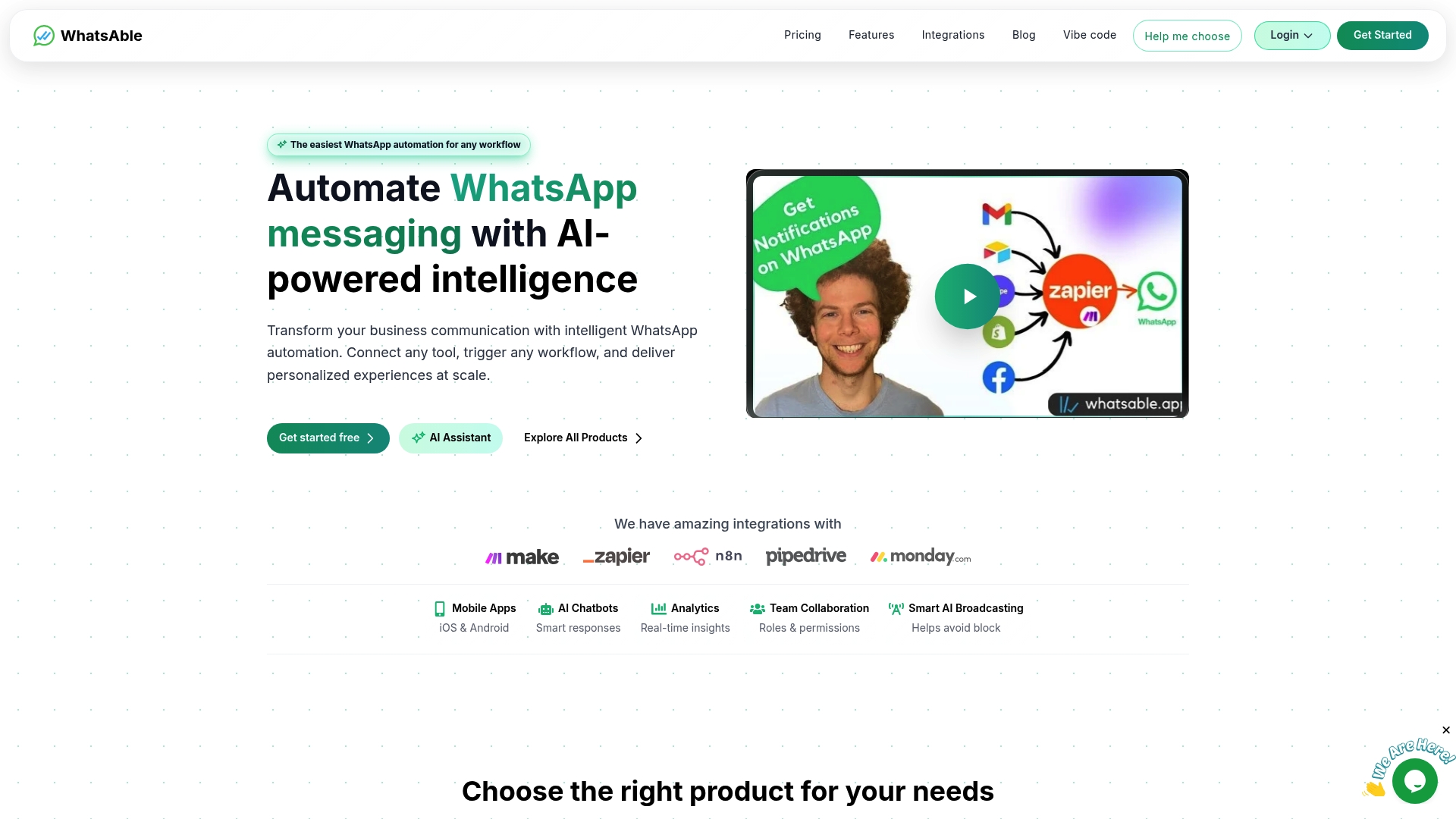
Whatsable’s Notifyer System connects directly with Zapier, Make, n8n, and Pipedrive, so the Zap types you build today plug into a platform built for bulk messaging, follow-up sequences, and AI-powered chatbots. Anti-block measures, detailed analytics, and team management tools sit on top of the same API your Zaps already call. For agencies and enterprises that need a white-label messaging layer, Whatsable’s whitelabel solution puts your brand on the entire communication stack. Check Whatsable’s pricing plans to find the tier that matches your message volume and team size.
FAQ
What is a Zap in the context of messaging?
A Zap is an automated workflow with one trigger and one or more actions. In messaging, the trigger is typically a new form submission, CRM update, or inbound message, and the action sends a WhatsApp, SMS, or email.
Can I use Zapier to send WhatsApp messages to customers?
Yes, through WhatsApp Business on Zapier. You need Meta-approved message templates for outbound messages sent outside the 24-hour customer service window, and phone numbers must be in E.164 format.
What is the difference between single-step and multi-step Zaps for messaging?
Single-step Zaps send one message per trigger. Multi-step Zaps chain multiple actions, apply filters, and branch into conditional paths, making them necessary for any workflow that routes, personalizes, or logs messages.
Do multi-step Zaps cost more than single-step Zaps?
Multi-step Zaps consume more tasks per run because each action step counts separately. Zapier’s free plan supports only single-step Zaps, so advanced messaging workflows require a paid plan.
When should I use Webhooks instead of native Zapier messaging integrations?
Use Webhooks when your messaging platform has no native Zapier app or when you need real-time two-way data flow, such as capturing reply data to update a CRM instantly after a customer responds.